
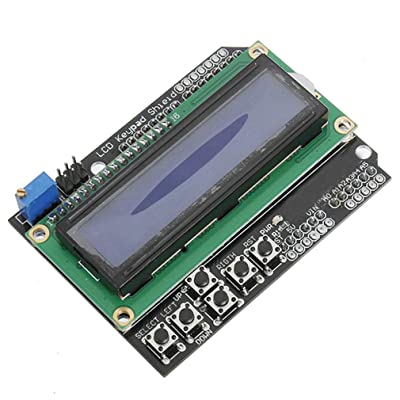

LCD Keypad Arduino Uno
Product Code: 480029
Description LCD Keypad Arduino Uno The LCD Keypad Arduino Uno Shield attaches to your Arduino board to provide a 16-character by 2-line display, white character, blue back light LCD with a keypad consisting of 5 keys > “select”, “up”, “right”, “down” and “left”. With this shield you will be able to move through menus and make selections straight from one board attached to your Arduino without requiring a massive tower of shields or wiring tangling around. The LCD-Keypad Shield works perfectly in 4-bit mode with the “LiquidCrystal” library found in the Arduino IDE, using this library will allow you to control the LCD with only 6 digital I/O lines. This shield provides you with the capability of pushing multiple buttons at once and combining the results. No longer will you be restrained to only 5 inputs, now you have the ability to make use of 32 different button combinations! This LCD Keypad Shield use total of 6-pins to control the LCD display which is pin-4, 5, 6, 7, 8, 9. For LCD Data, it use pin-4, 5, 6, 7, while for the RS and Enable pin, it use pin-8 and 9. The Arduino-LCD Keypad Shield are only required to plug into the Arduino main board and there was no soldering are required such as shown in figure below. Fig-1: Plug the LCD Keypad Shield directly onto Arduino Board. Pins Assignment Arduino Pin Function A0 Buttons ( Select, Up, Down, Left, Right) 4 LCD DB4 5 LCD DB5 6 LCD DB6 7 LCD DB7 8 LCD Register Select, RS 9 LCD Enable, En 10 PWM control for Backlight brightness attaches to your Arduino board to provide a 16-character by 2-line display, white character, blue back light LCD with a keypad consisting of 5 keys > “select”, “up”, “right”, “down” and “left”. With this shield you will be able to move through menus and make selections straight from one board attached to your Arduino without requiring a massive tower of shields or wiring tangling around. The LCD-Keypad Shield works perfectly in 4-bit mode with the “LiquidCrystal” library found in the Arduino IDE, using this library will allow you to control the LCD with only 6 digital I/O lines. This shield provides you with the capability of pushing multiple buttons at once and combining the results. No longer will you be restrained to only 5 inputs, now you have the ability to make use of 32 different button combinations! This LCD Keypad Shield use total of 6-pins to control the LCD display which is pin-4, 5, 6, 7, 8, 9. For LCD Data, it use pin-4, 5, 6, 7, while for the RS and Enable pin, it use pin-8 and 9. The Arduino-LCD Keypad Shield are only required to plug into the Arduino main board and there was no soldering are required such as shown in figure below. Pins Assignment Arduino Pin Function A0 Buttons ( Select, Up, Down, Left, Right) 4 LCD DB4 5 LCD DB5 6 LCD DB6 7 LCD DB7 8 LCD Register Select, RS 9 LCD Enable, En 10 PWM control for Backlight brightness
$ 5.21
Pickup available at all retail stores. Delivery available in Saskatoon, Regina, Prince Albert, and these rural locations.
Related products
-
 BETTY & VERONICA FRIENDS FOREVER ROCK & ROLL #1 (MATT TALBOT EXCLUSIVE) SHIPS 3/7TEENAGE MUTANT NINJA TURTLES vs STREET FIGHTER (RICH WOODALL JETPACK COMICS EXCLUSIVE) SHIPS JUNE’S END
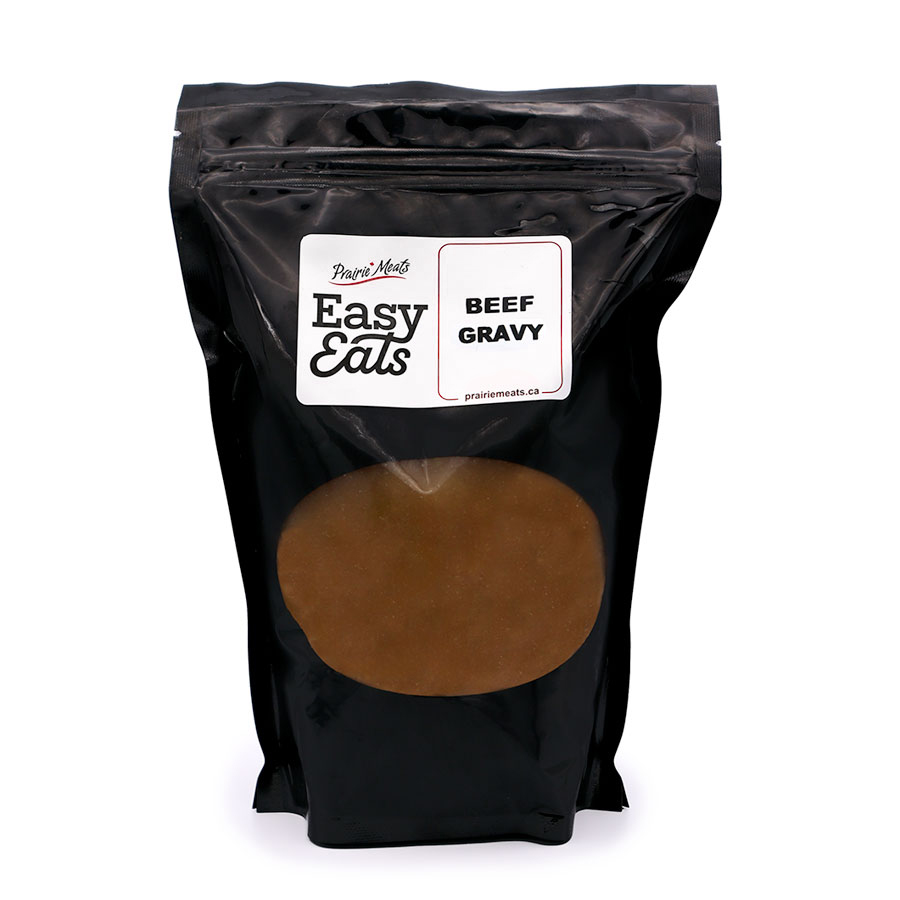
Easy Eats, No Gluten Added
BETTY & VERONICA FRIENDS FOREVER ROCK & ROLL #1 (MATT TALBOT EXCLUSIVE) SHIPS 3/7TEENAGE MUTANT NINJA TURTLES vs STREET FIGHTER (RICH WOODALL JETPACK COMICS EXCLUSIVE) SHIPS JUNE’S END
Easy Eats, No Gluten Added -
 ARCHIES ANNIVERSARY SPECTACULAR (MATT TALBOT JETPACK COMICS EXCLUSIVE)TMNT Last Ronin #4 (3 pack A,B & Jetpack Comics Exclusive)
Easy Eats
ARCHIES ANNIVERSARY SPECTACULAR (MATT TALBOT JETPACK COMICS EXCLUSIVE)TMNT Last Ronin #4 (3 pack A,B & Jetpack Comics Exclusive)
Easy Eats -
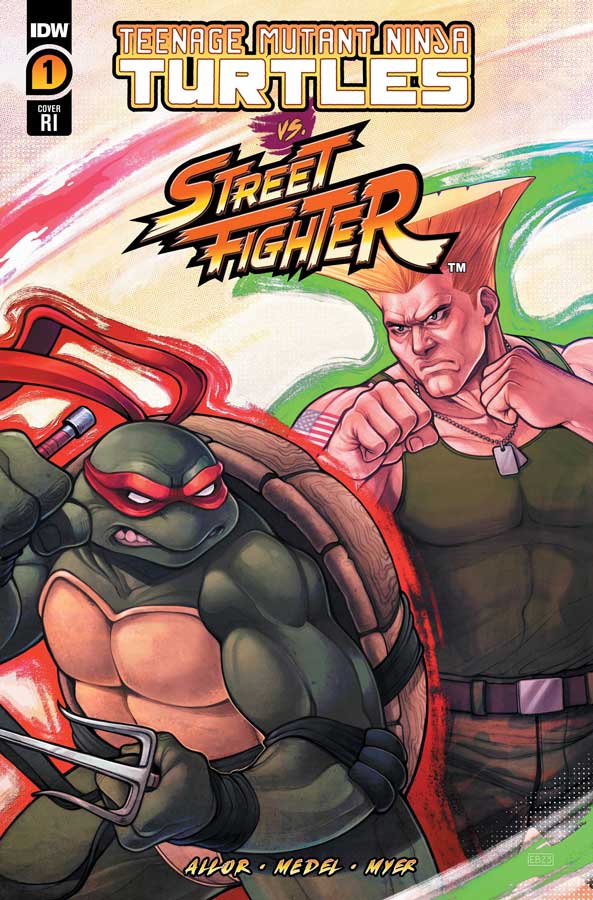 TEENAGE MUTANT NINJA TURTLES vs STREET FIGHTER #1 (OF 5)(CVR E 50 COPY INCV BEALS) SHIPS JUNE’S ENDTEENAGE MUTANT NINJA TURTLES vs STREET FIGHTER #1 (OF 5)(CVR D 25 COPY INCV FEDERICI) SHIPS JUNE’S END
Easy EatsTMNT Last Ronin #5 (1/10 RI COVER)
TEENAGE MUTANT NINJA TURTLES vs STREET FIGHTER #1 (OF 5)(CVR E 50 COPY INCV BEALS) SHIPS JUNE’S ENDTEENAGE MUTANT NINJA TURTLES vs STREET FIGHTER #1 (OF 5)(CVR D 25 COPY INCV FEDERICI) SHIPS JUNE’S END
Easy EatsTMNT Last Ronin #5 (1/10 RI COVER)680g tray
-
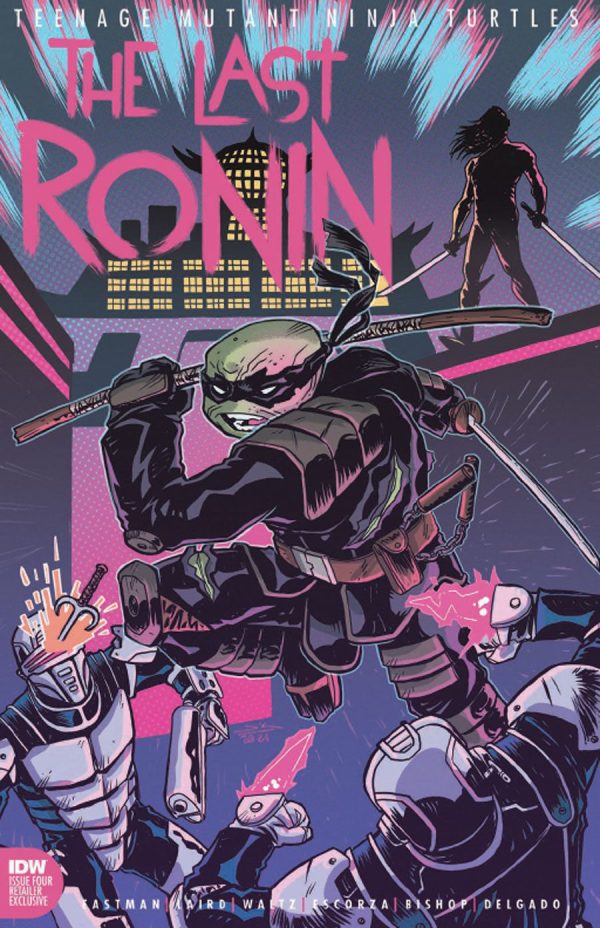 TMNT Last Ronin #4 (Jetpack Comics Exclusive)THE BEST ARCHIE COMIC EVER #0 (ROCHESTER NH FCBD EXCLUSIVE)
Easy Eats, Father's Day, No Gluten Added
TMNT Last Ronin #4 (Jetpack Comics Exclusive)THE BEST ARCHIE COMIC EVER #0 (ROCHESTER NH FCBD EXCLUSIVE)
Easy Eats, Father's Day, No Gluten Added